








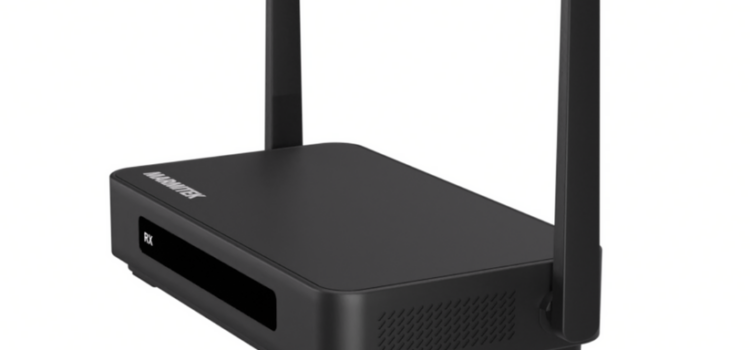
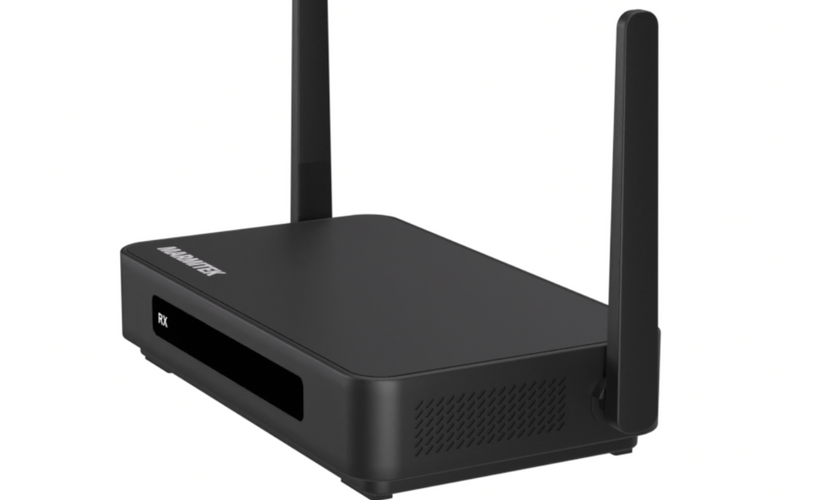
If you want an easy way to share high quality video and presentations without a pile of cables to trip over, the Marmitek Stream 4K Pro could be just the solution you need. It has been designed for meeting rooms, classrooms and modern workspaces where people need a simple way to share screens, switch between devices and keep everything looking tidy.
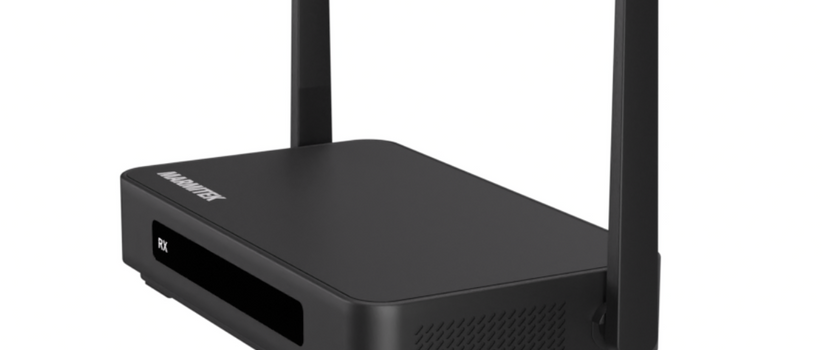
As the name suggests the Stream 4KPro has the ability to send a 4K images wirelessly. You connect the small transmitter to a laptop through USB C and the receiver sends the picture straight to your display. The receiver has two HDMI outputs, which is useful if you want to run two screens in a larger room. The receiver can also take power through a network cable thanks to Power over Ethernet, which keeps your setup clean by avoiding bulky plugs.
The system is built for group work. It supports up to 24 transmitters and up to 48 receivers, which is ideal for bigger offices or complex layouts. Up to four people can share their screens at the same time in a split screen view, which helps a meeting flow naturally without wasting time swapping cables around.
The Stream 4K Pro works with AirPlay, Chromecast, DLNA and Miracast, so phones, tablets and laptops can all share content wirelessly. There is also a built-in whiteboard feature that lets you draw or annotate on the screen during a session. Touchback control means that if you are using a touch display, you can control your laptop directly from the screen.
For hybrid meetings, the receiver includes a USB port so you can connect a conference camera and combine video calling with screen sharing. The wireless range is around fifty metres in a clear space and latency is kept low enough for smooth presentation use.
Overall, the Marmitek Stream 4K Pro offers a clean and flexible way to share high resolution content and makes group work far easier and more efficient. Its plug in a play set up makes it portable and stress free too. RRP £541
- Clear 4K wireless streaming
- Easy plug in setup with USB C
- Supports AirPlay Chromecast DLNA and Miracast
- Split screen for up to four users
- Dual HDMI outputs
- Power over Ethernet keeps installation tidy
- Touch screen control support
- Works well for hybrid meetings
- Range limited to around fifty metres
- Requires separate transmitters for each user
